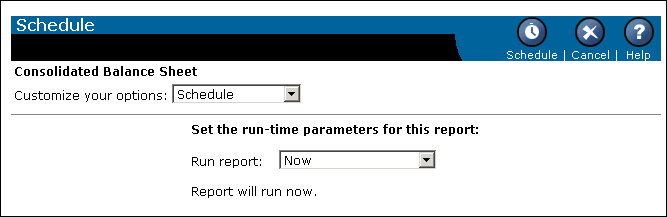
This page allows users to specify a number of report processing and scheduling options, and then schedule a report so that it will run automatically at specified times. When a scheduled report runs successfully, an instance is created. This instance contains the data available at the time it was run.
Note: The reports that the user or the Crystal Enterprise administrator adds to ePortfolio are not instances. Instances are created only after reports are scheduled and they run successfully. Instances appear on the History page.
The Schedule page appears below:
schedule.csp also enables users to customize scheduling options before they schedule a report. They can set:
The following parameters are passed explicitly to schedule.csp:
| Parameter | [IN] Values | From | Description |
|---|---|---|---|
Note: schedule.csp passes the id parameter to actionscripts.js through the Schedule function, and it passes the id parameter to schedule.js through the Menu function.
The following parameters are passed explicitly from schedule.csp:
| Parameter | [OUT] Values | To | Description |
|---|---|---|---|
Indicates that there should be a delay in writing the calendar frameset. | |||
| Crystal Decisions, Inc. http://www.crystaldecisions.com Support services: http://support.crystaldecisions.com |